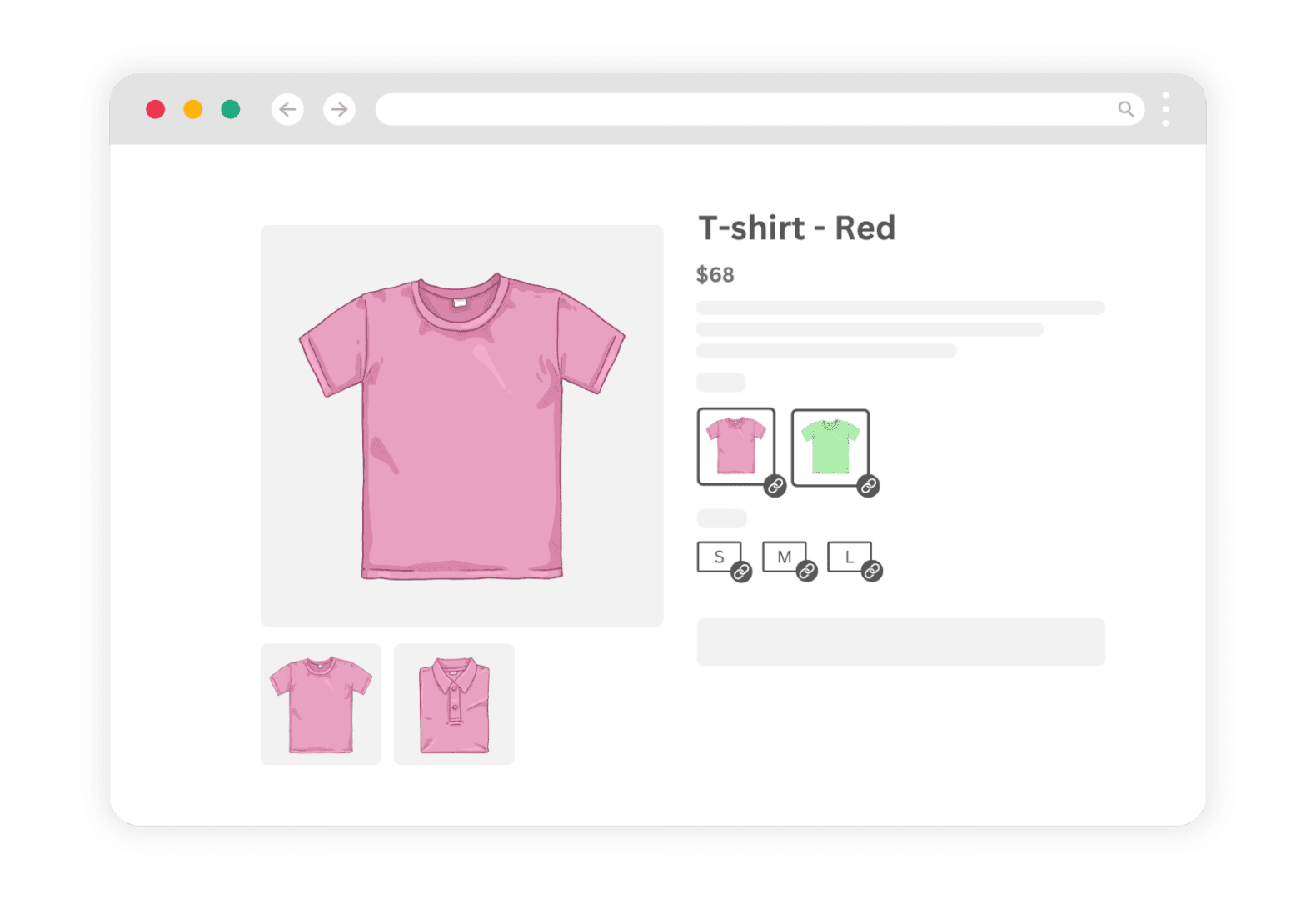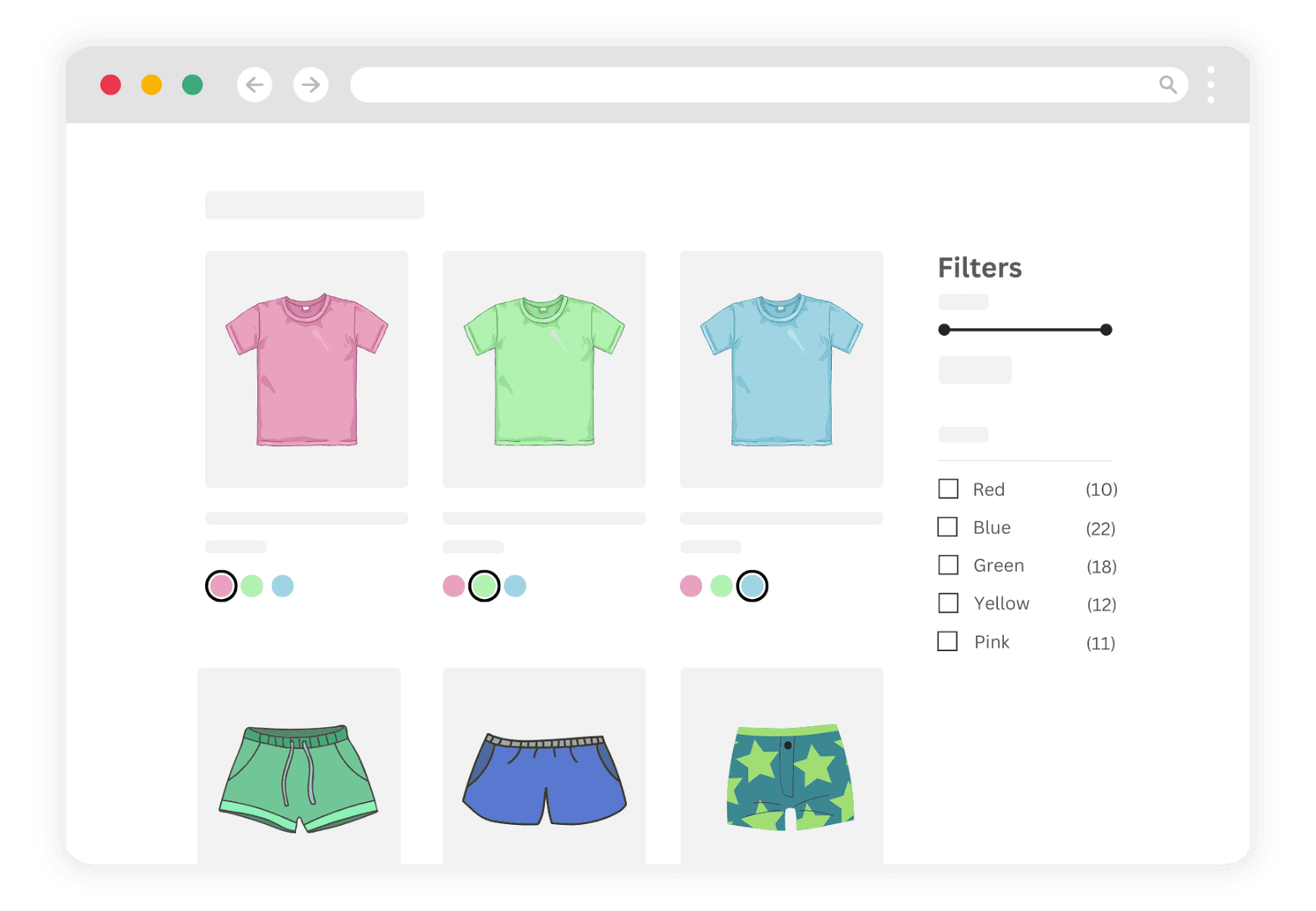
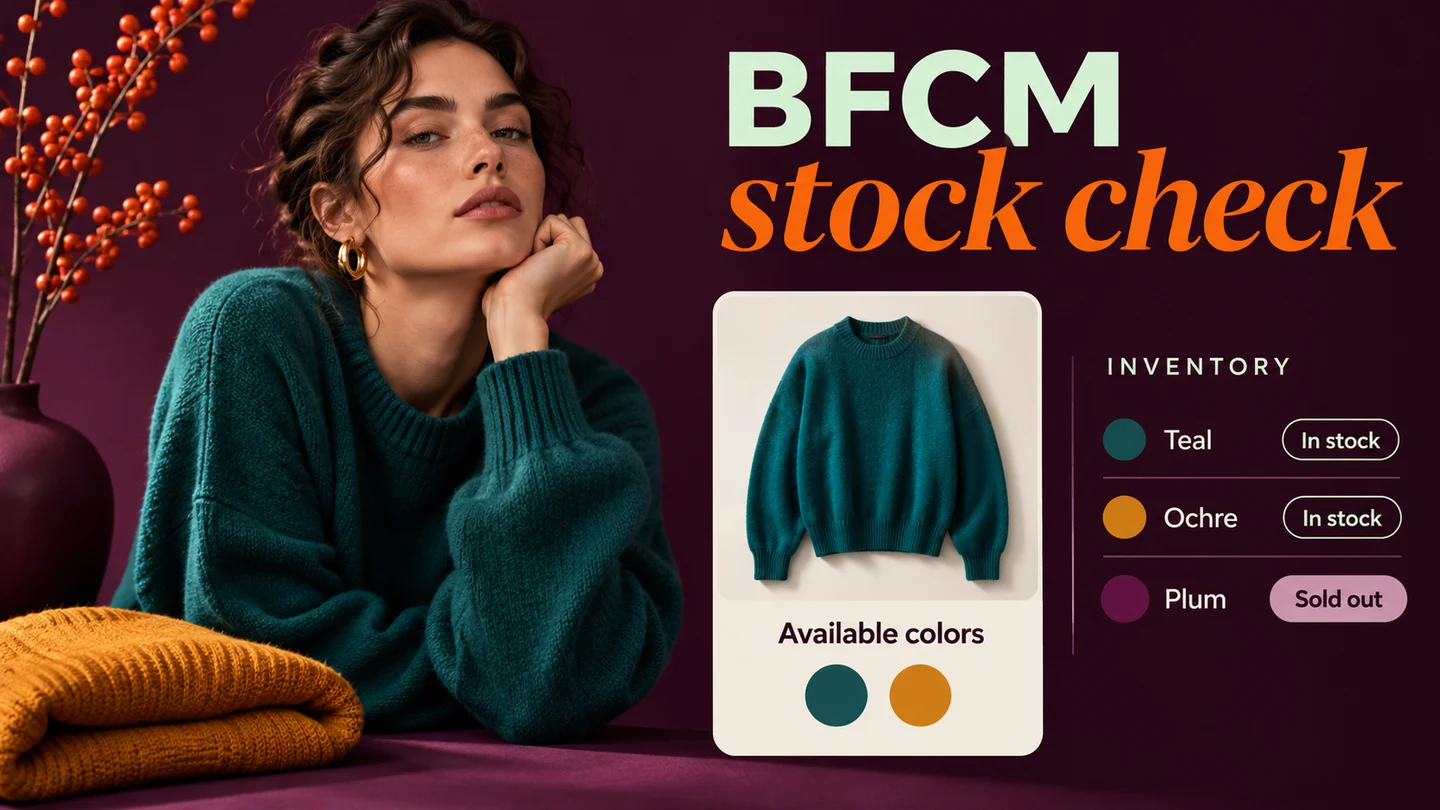
Use this BFCM checklist to ready multi-colour catalogues that use separate products / combined listings: sync stock across groups, hide out-of-stock colours, confirm collection-card swatches, clean up grouping errors, and run peak-traffic checks—before Black Friday week, not during it.
If you sell many colours as separate Shopify products linked with LinkedOption Combined Listings, BFCM pressure hits inventory accuracy and storefront clarity first. This is a practical checklist—not a conversion-stats post. Features cited below match the LinkedOption App Store listing checked around October 23, 2026.
Why multi-colour stores feel BFCM differently
Separate products give each colour its own SEO URL and inventory. Shoppers still expect a single swatch picker. Under sale traffic, a sold-out colour that still looks buyable, a collection card that shows the wrong shade, or a broken group after a bulk import costs trust faster than a slow theme tweak. For how combined listings work on any Shopify plan, see What is Shopify Combined Listings?.
BFCM checklist overview
| Area | Goal before peak week |
|---|---|
| Stock sync | Every linked colour shows accurate inventory |
| Hide OOS | Sold-out colours do not look purchaseable |
| Collection cards | Swatches on cards match live groups |
| Grouping cleanup | No orphan or duplicate groups |
| Peak-traffic checks | Theme + app blocks still render under load |
BFCM prep areas for multi-colour / combined listings stores
1. Stock sync across product groups
Walk your top sellers and any SKUs you expect to sell out. In LinkedOption, confirm each group still points at the correct products and that Shopify inventory for those products matches your warehouse or 3PL. LinkedOption lists auto-sync on its App Store feature set (from Basic and up)—use it if you rely on product data staying aligned after Admin edits.
- Action: Spot-check at least one group per collection you will feature on BFCM landing pages.
- Action: After a bulk inventory import, re-open LinkedOption groups that include those SKUs.

2. Hide out-of-stock colours
Sold-out swatches that still look clickable create support tickets during sales. LinkedOption lists hide out-of-stock options on its App Store features. Enable the setting that matches your merchandising rule, then verify on a product that has mixed stock.
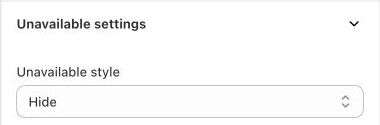
- Action: Test add-to-cart on an in-stock colour after hiding OOS options.
- Action: Decide whether draft or archived products should remain in any group (remove them if not).
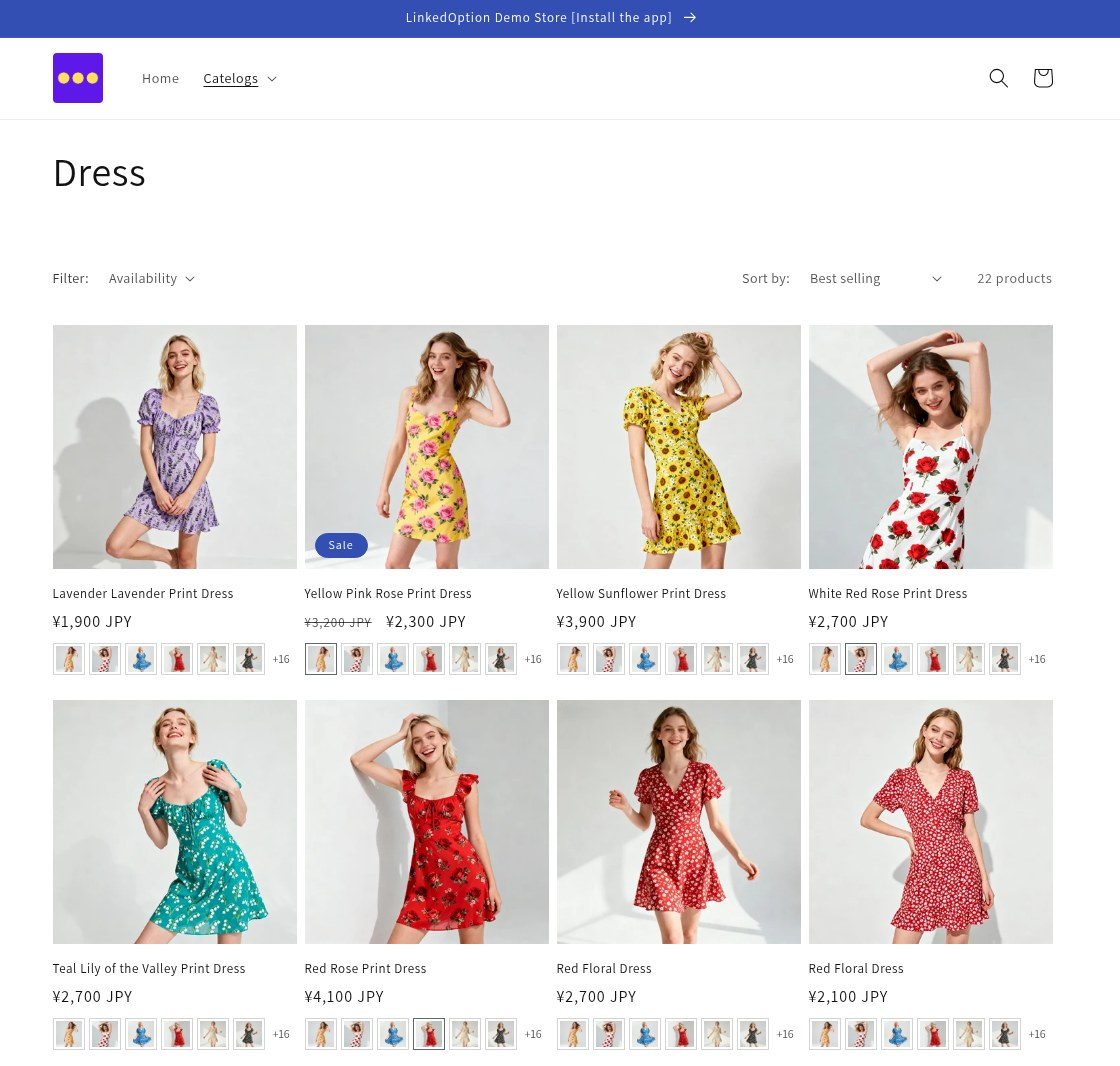
3. Collection card swatches
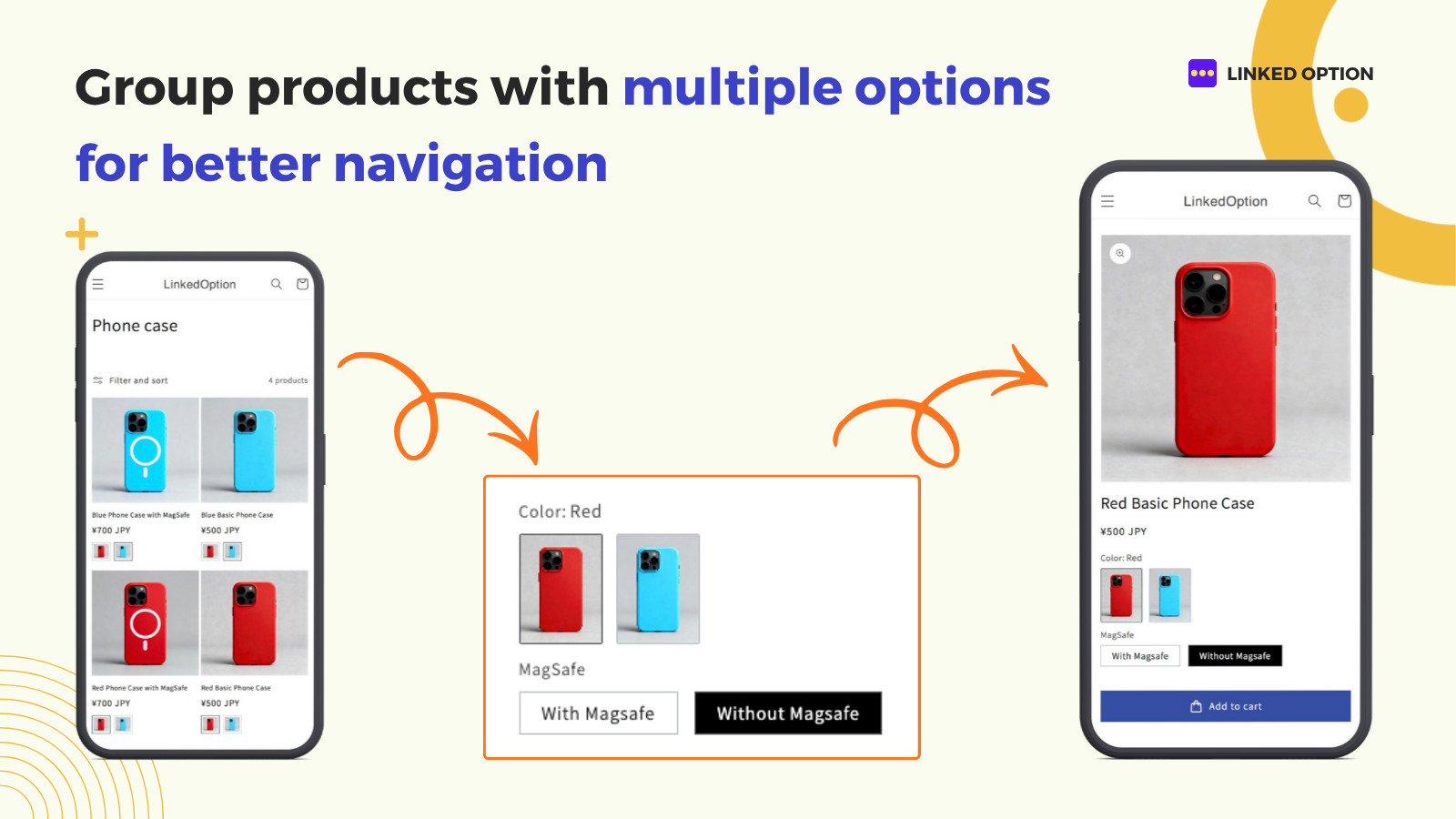
Collection pages drive a large share of BFCM browsing. LinkedOption can show the option on the product card (Basic plan and up, per listing). Confirm your theme still shows card swatches after any theme publish, and that clicking a swatch lands on the correct product URL.
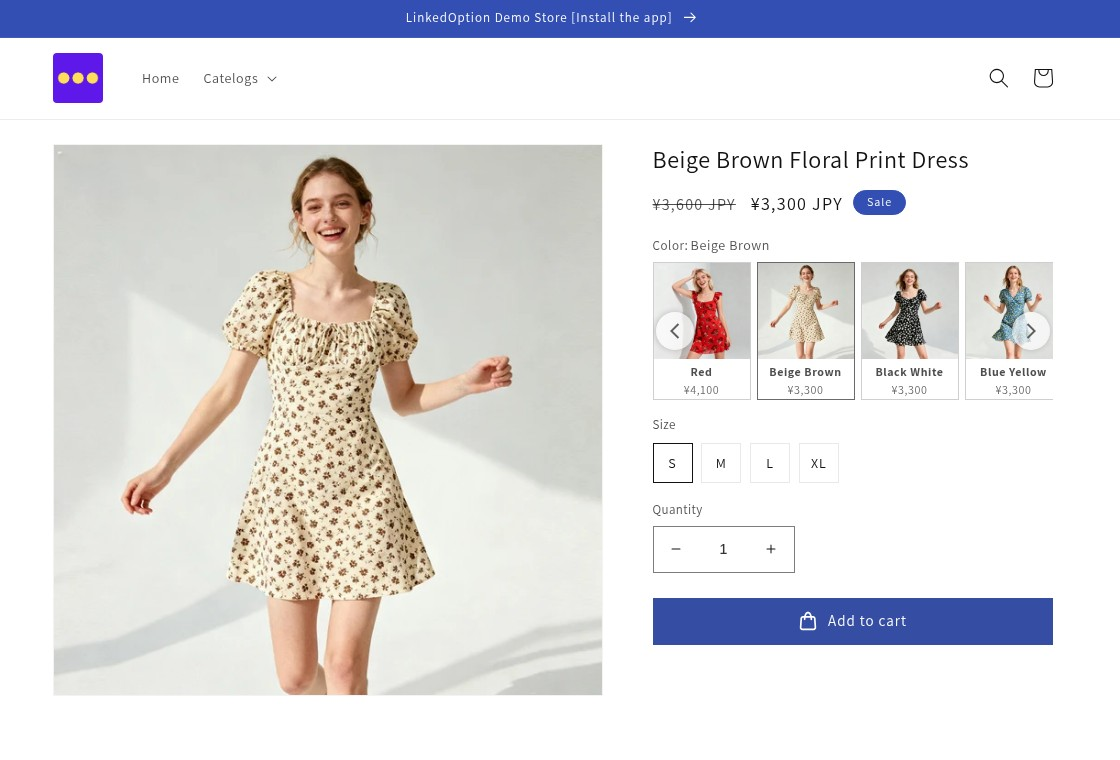
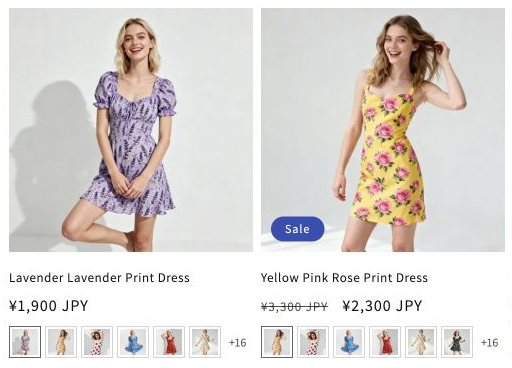
4. Grouping cleanup before you freeze the catalogue
BFCM week is a bad time to discover a colour sitting in two groups or a new SKU never linked. Use LinkedOption bulk tools (title pattern, SKU, tag, collection, CSV/XLSX from Basic and up) to fix gaps, then stop large regrouping jobs once the sale page is live.
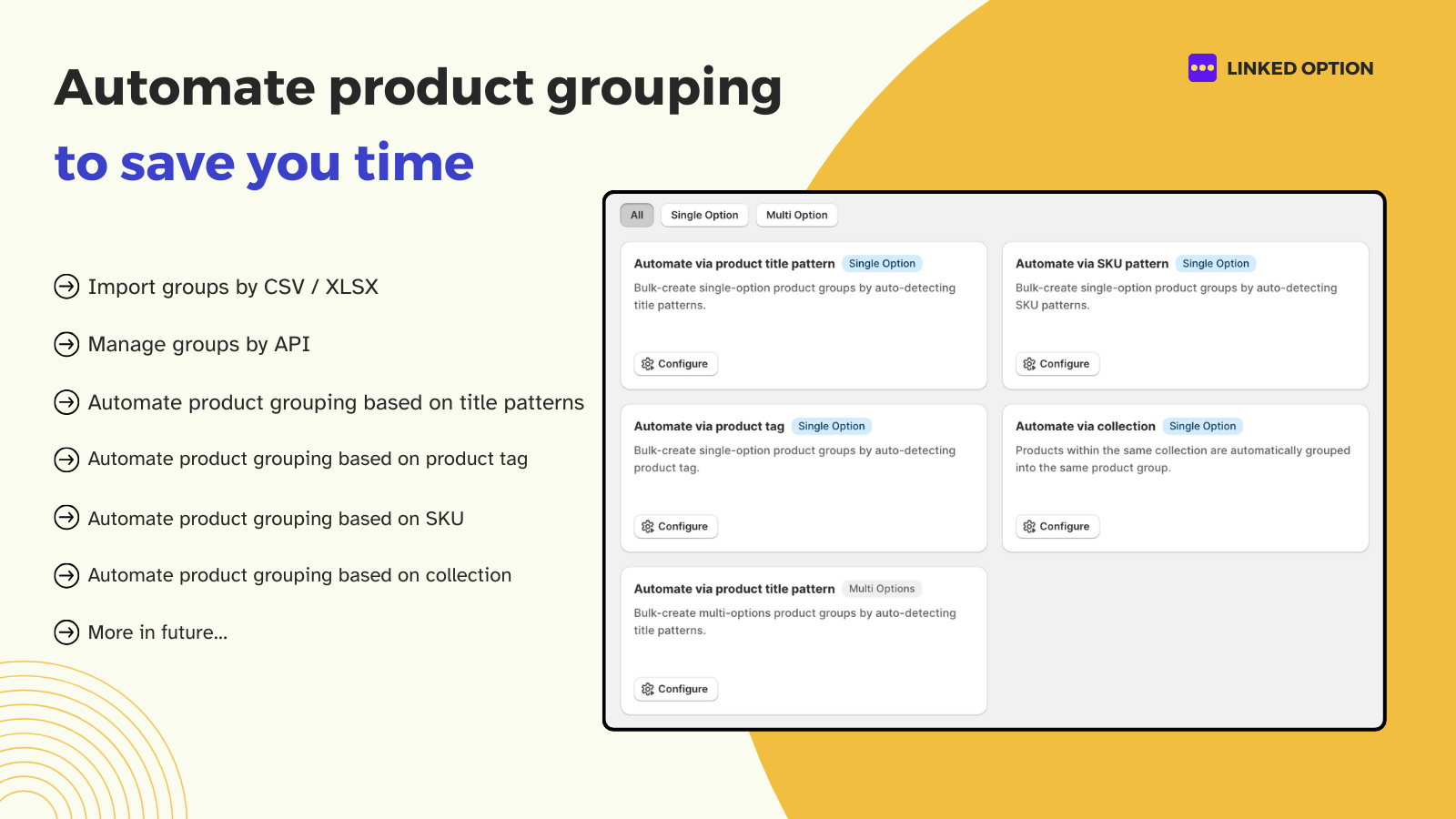
- Action: Export groups (if on a plan with import/export) as a backup before bulk edits.
- Action: Remove test products and discontinued colours from featured groups.
- Action: For Style × Color catalogues, confirm multi-option / subcategory groups if you use them (Advanced and up on LinkedOption).
5. Peak-traffic checks
Combined listings rely on theme app blocks or embeds. Before BFCM:
- Publish theme changes early; avoid editing the live theme during the first sale hour.
- Load product and collection pages on mobile and desktop with a cold cache.
- Confirm only one combined listings app is active (see also LinkedOption vs Rubik if you compared apps).
- Watch for app or theme update emails in the week before BFCM; schedule updates outside peak hours.
- Have a rollback path: previous theme version + note of LinkedOption settings you changed.
Suggested timeline (before mid-November)
| When | Focus |
|---|---|
| 2–3 weeks out | Grouping cleanup, export backup, enable hide OOS |
| 1–2 weeks out | Collection card QA, landing-page product samples |
| Final week | Freeze bulk regrouping; peak-traffic smoke tests only |
| Sale live | Monitor OOS colours; avoid theme/app experiments |
Example schedule — adjust to your BFCM start date
Try LinkedOption Combined Listings free
Start with 3 product groups on the free plan. Paid plans include a 7-day free trial. View on the Shopify App Store
Frequently asked questions
What should I check first for a multi-colour BFCM store?
Inventory accuracy inside each product group, then hide out-of-stock behaviour, then collection-card swatches. Those three catch most sale-week support issues for combined listings catalogues.
Does LinkedOption hide out-of-stock options?
Yes—hide out-of-stock options is listed on the LinkedOption App Store feature set. Confirm the setting in your app admin and test a mixed-stock group.
Can I show colour swatches on collection product cards?
LinkedOption lists showing the option on the product card from the Basic plan ($9.99/mo) and up. Verify the setting after any theme change.
Should I regroup products during Black Friday week?
Prefer finishing bulk CSV or automation regrouping before peak traffic. During the sale, limit changes to fixing a broken group that is already live.
Where can I compare LinkedOption to other apps before BFCM?
Start with LinkedOption vs Rubik and the LinkedOption App Store listing for current plan limits. Re-check competitor listings if you are still choosing an app.
Sources: LinkedOption App Store, Shopify Help: Combined listings. Feature and plan details checked around October 23, 2026. No conversion rates or invented benchmarks are claimed in this checklist.