Shopify Combined Listings is Shopify’s own app for connecting separate products under one parent listing. It’s available to stores on Plus and enterprise commerce plans that use the Online Store sales channel and a compatible theme. If you want shoppers to switch between separate products without creating a parent product, LinkedOption offers a different setup that doesn’t require Shopify Plus.
How Shopify Combined Listings works
Imagine you sell the same running shoe in navy, white, and green. Each color is already a separate Shopify product with its own photos and sizes. With Shopify’s Combined Listings app, you can add those products as children of a new parent listing and use Color to connect them. Shoppers can choose a color from the listing, while each child product can retain its own title, description, URL, and image gallery.
The parent and child products are separate records in Shopify. The combined listing appears on the online storefront, so check how your theme and product-page apps handle it before rolling it out.
How is a combined listing different from regular variants?
Regular Shopify variants are choices within one product. If a T-shirt uses the same product page and description across all sizes and colors, regular variants are usually the simpler option. A combined listing is useful when some of those choices already need to be separate products. For example, each shoe color can have its own product page and photography, and sizes can remain regular variants within each color.
Shopify currently allows up to 2,048 variants and three options per product. The former 100-variant limit is no longer the platform cap. Some themes, apps, or sales channels still have compatibility limits above 100 variants. Check Shopify’s variant guidance and test your own setup if you’re building a large catalog.
How does LinkedOption differ from Shopify’s app?
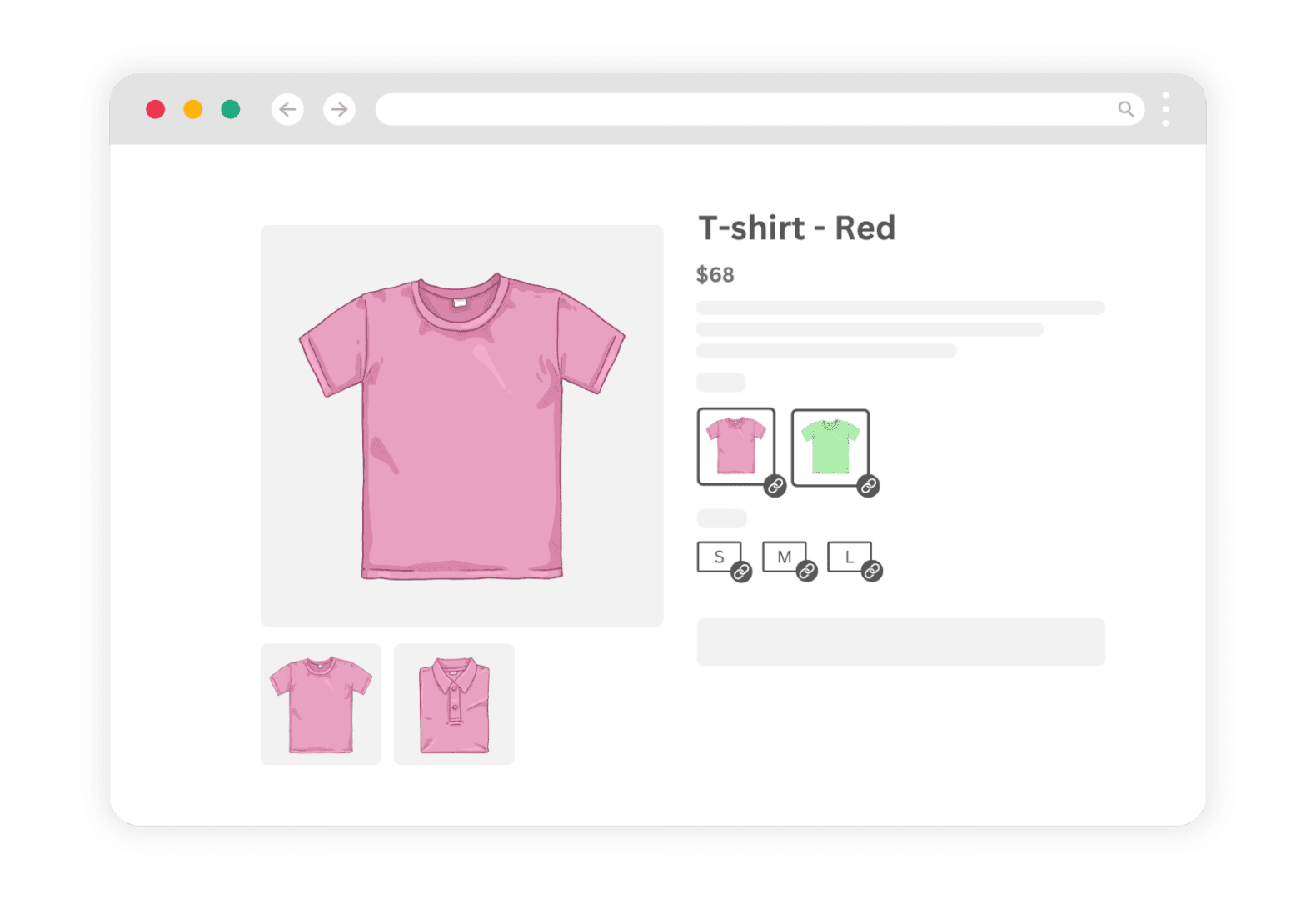
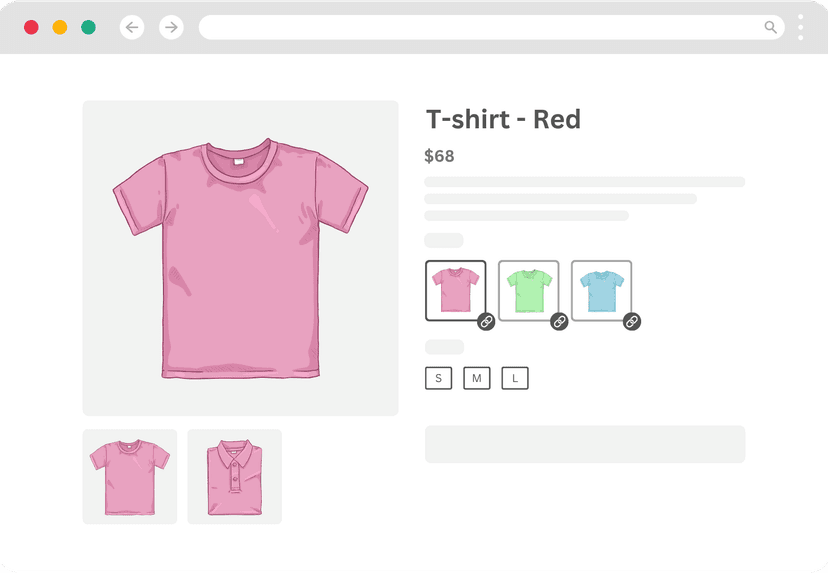
LinkedOption Combined Listings connects existing products through an app-managed product group. It shows those products as options, such as color swatches, on your storefront. It doesn’t create a parent product or convert the linked products into variants of a single Shopify record.
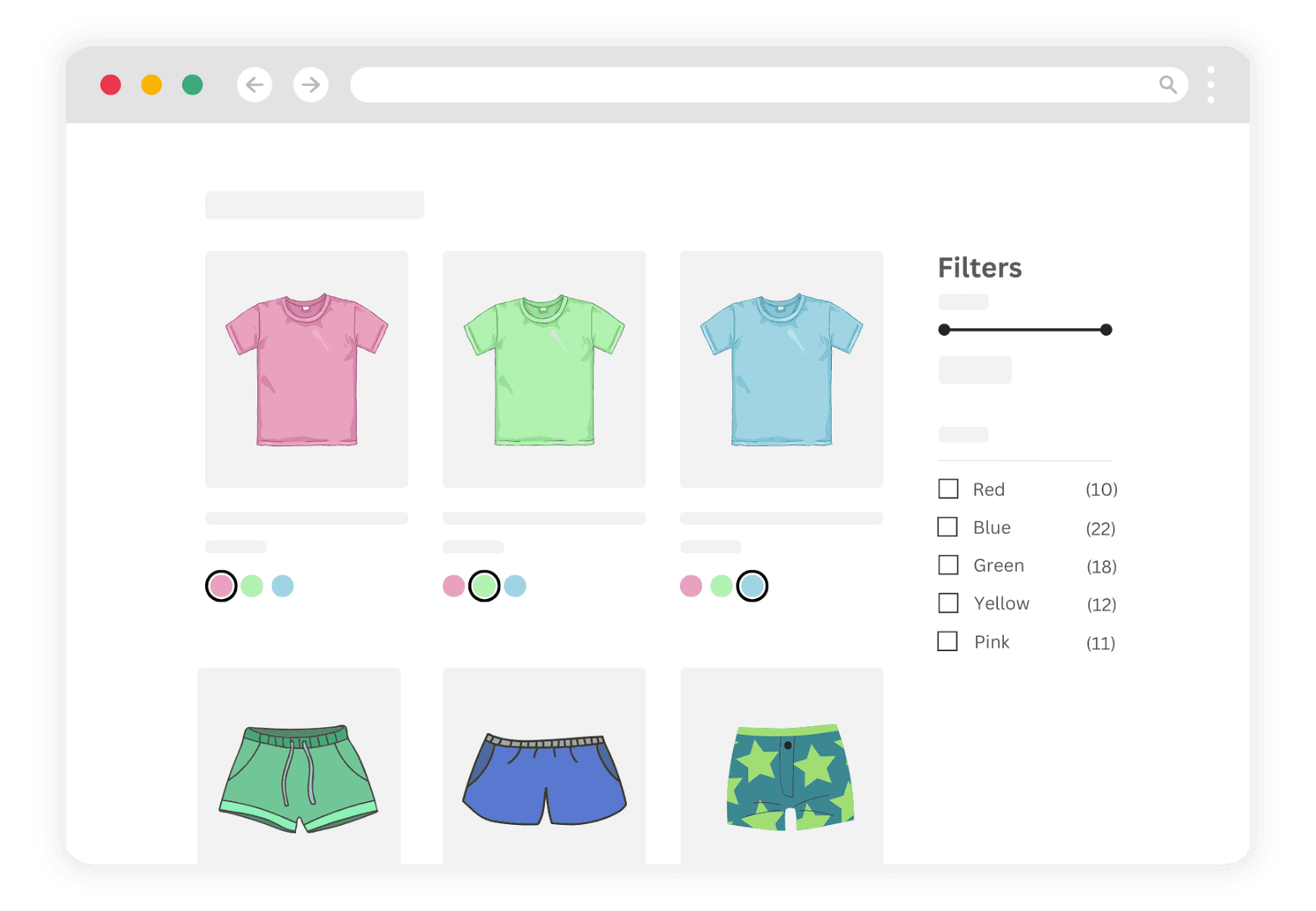
In the running shoe example, shoppers can switch from the navy product to the green product through a color swatch. Each color keeps its own product URL, title, images, and inventory. The products also remain separate records in your collections; linking them doesn’t automatically turn them into one collection card.
LinkedOption lets you display options as buttons, color swatches, image swatches, or dropdowns. Keeping separate product pages gives you control over what goes on each page, but it doesn’t guarantee a higher search ranking.
Which setup should you choose?
- Use regular Shopify variants when the options belong on the same product page and don’t need separate product-level content.
- Use Shopify Combined Listings when you’re on an eligible plan, want a native parent listing, and have confirmed that your theme supports it.
- Use LinkedOption when you want to link existing product pages through swatches or other selectors without creating a parent product, including on stores without Shopify Plus.
If you’re weighing the last two options, see the LinkedOption vs. Shopify Combined Listings comparison. To see how product groups and swatches are configured, follow the LinkedOption setup guide.
If you’re also looking for a way to take pre-orders, see PreProduct.