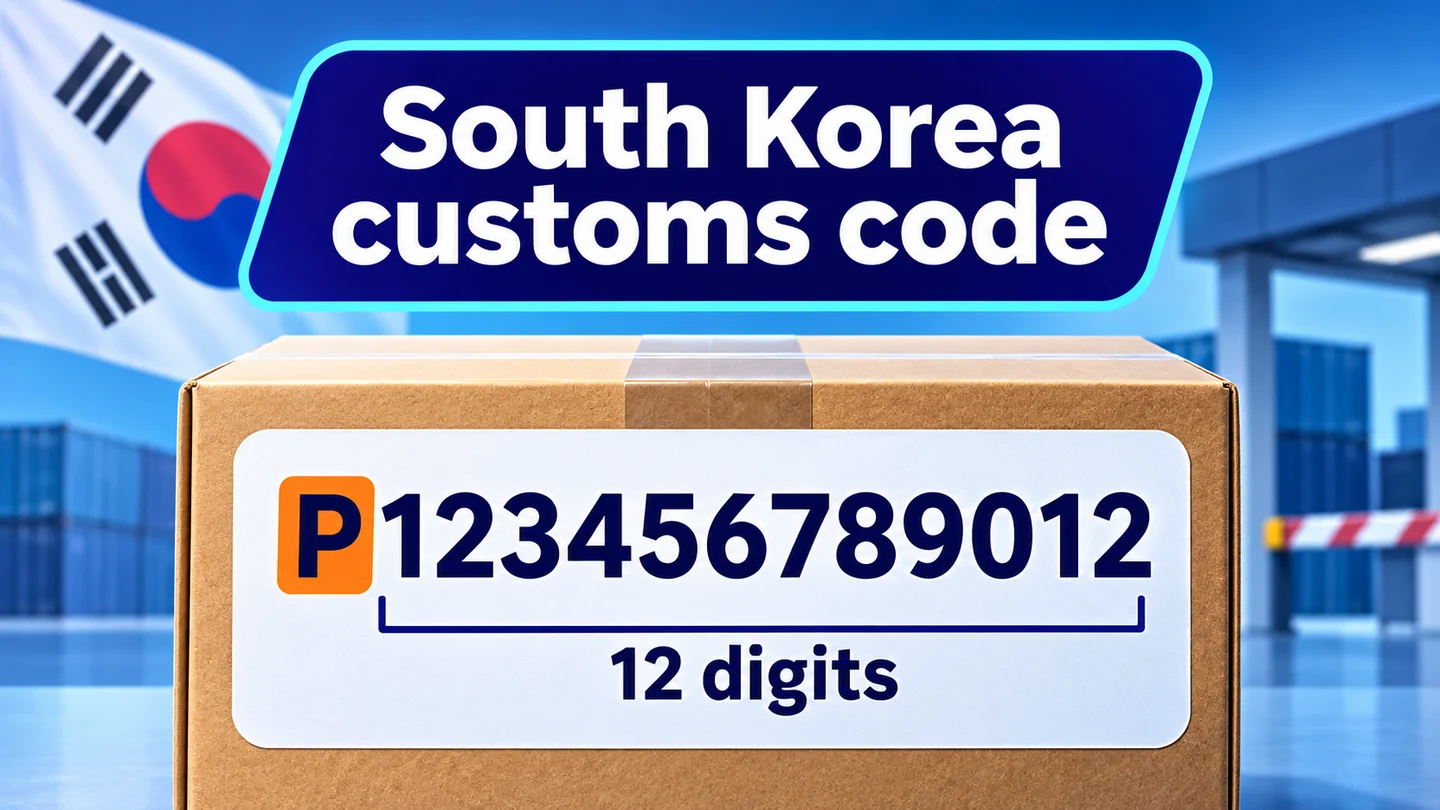
King Checkout Validation’s Additional Information Validation checks supported customs and tax fields that Shopify supplies at checkout. For South Korean PCCC values, it checks uppercase P followed by 12 digits. It does not create the field or verify that a code belongs to the customer.
First, confirm that Shopify shows the field
Shopify lists the PCCC field for orders shipped to South Korea and fulfilled from outside South Korea. Complete a valid shipping address; selecting the country alone is not enough. The field appears with payment details in Additional Information. See Shopify’s field availability guidance.
If those conditions are met but the field is absent, check with Shopify Support. Enabling a validation rule cannot create a field that Shopify does not supply.
Configure the PCCC check
- Open King Checkout Validation → Standard Rules → Additional Information Validation.
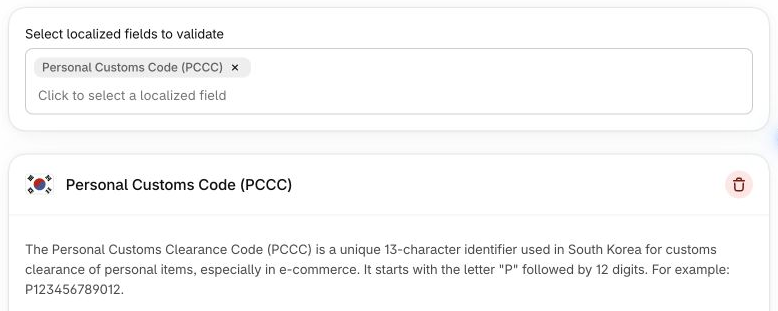
- Select Personal Customs Code (PCCC) under South Korea.
- Set the error message to “Enter a PCCC starting with uppercase P followed by 12 digits.”
- Choose Testing and save.
- Leave Allow orders that do not meet this rule unchecked under Checkout behavior if invalid entries must prevent final submission.
Other selectable fields include CPF / CNPJ and DNI/NIF. Available required-field and format controls vary by field; do not assume that one field’s options apply to all of them.
Test availability separately from format
Use an isolated test checkout with the test email shown in the rule, a complete South Korean address, and fulfillment from outside Korea. Once the native PCCC field appears:
P12345should fail because it is too short.P123456789012has the expected format and should clear this rule’s error.p123456789012should fail because the first letter is lowercase.
These are demonstration values, not customer identifiers. Do not submit them on a live order. After testing the intended customer flow, switch the rule to Active when ready.
Troubleshoot missing or rejected values
No field appears: resolve Shopify’s field availability first. This is separate from format validation.
An empty value is not flagged by the app: the PCCC format check itself skips empty values. Shopify’s own required-field checks may still apply.
A passport number is rejected: Shopify allows certain foreign customers without a PCCC to enter a passport number. This strict PCCC pattern rejects those alternatives, so use it only when that restriction fits the customers you serve. Shopify’s South Korea guidance.
A format match is not identity, customs-registration, or ownership verification.